TypeScript 5.9: advanced features you should be using

Originally published on Bemorex Learn, our learning platform. · Leer en español
TypeScript 5.9: continuous evolution of the type system
TypeScript continues to evolve at an impressive pace. Version 5.9 brings significant improvements in type inference, compiler performance, and new utilities that make code more expressive and safer. In this article we explore the most relevant features with practical examples.
The satisfies operator: advanced usage
Introduced in TypeScript 4.9, the satisfies operator has become an essential tool. Its value lies in validating that a value conforms to a type without losing the specific inference.
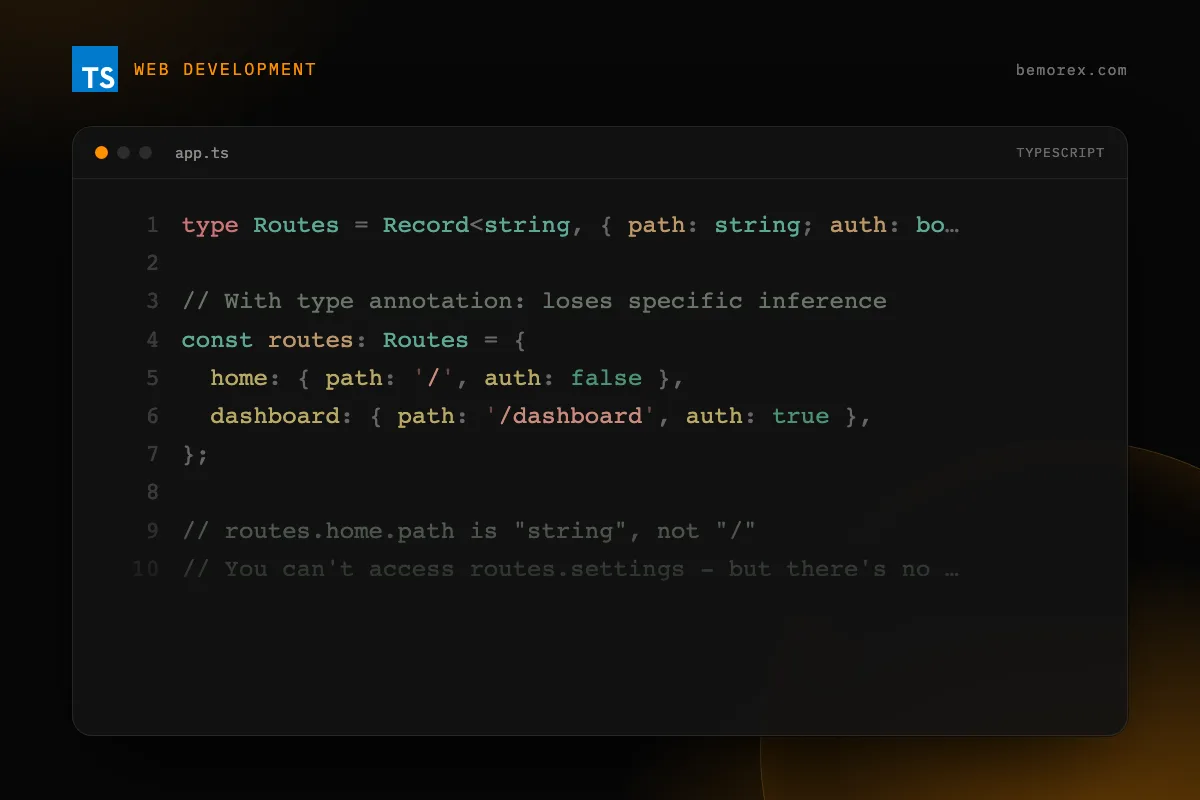
The problem without satisfies
type Routes = Record<string, { path: string; auth: boolean }>;

// With type annotation: loses specific inference
const routes: Routes = {
  home: { path: '/', auth: false },
  dashboard: { path: '/dashboard', auth: true },
};

// routes.home.path is "string", not "/"
// You can't access routes.settings - but there's no typo error either
The solution with satisfies
const routes = {
  home: { path: '/', auth: false },
  dashboard: { path: '/dashboard', auth: true },
} satisfies Routes;

// routes.home.path is "/" (literal type preserved)
// routes.settings -> Compile error (doesn't exist)
satisfies with configuration functions
interface AppConfig {
  apiUrl: string;
  timeout: number;
  features: Record<string, boolean>;
  debug: boolean;
}

const config = {
  apiUrl: 'https://api.bemorex.com',
  timeout: 5000,
  features: {
    darkMode: true,
    analytics: true,
    experimental: false,
  },
  debug: false,
} satisfies AppConfig;

// config.features.darkMode is boolean, not unknown
// Autocompletion for config.features works perfectly
Advanced conditional types
infer with constraints
TypeScript allows constraining the inferred type with extends:
// Extract the return type only if it is a Promise
type UnwrapPromise<T> =
  T extends Promise<infer U extends object> ? U : never;

type Result = UnwrapPromise<Promise<{ id: number; name: string }>>;
// Result = { id: number; name: string }

type NoResult = UnwrapPromise<Promise<string>>;
// NoResult = never (string does not extend object)
Template literal types in practice
// Generate types for DOM events
type DomEvent = 'click' | 'focus' | 'blur' | 'input' | 'change';
type EventHandler = `on${Capitalize<DomEvent>}`;
// "onClick" | "onFocus" | "onBlur" | "onInput" | "onChange"

// Typed routes
type ApiRoute = `/api/${string}`;

function fetchData(url: ApiRoute): Promise<unknown> {
  return fetch(url).then(r => r.json());
}

fetchData('/api/users');       // OK
fetchData('/users');           // Error: does not start with /api/
Mapped types with filtering
// Extract only the optional properties of a type
type OptionalKeys<T> = {
  [K in keyof T]-?: undefined extends T[K] ? K : never
}[keyof T];

interface User {
  id: number;
  name: string;
  email: string;
  avatar?: string;
  bio?: string;
}

type OptionalUserKeys = OptionalKeys<User>;
// "avatar" | "bio"
Const type parameters
Const type parameters allow inferring literal types in generic functions without the caller needing as const:
// Without const: infers string[]
function createRoute<T extends readonly string[]>(segments: T) {
  return '/' + segments.join('/');
}
const r1 = createRoute(['api', 'users']); // string

// With const: infers readonly ["api", "users"]
function createRoute<const T extends readonly string[]>(segments: T) {
  return '/' + segments.join('/') as `/${T[number]}`;
}
const r2 = createRoute(['api', 'users']); // "/api" | "/users"
Practical use: typed builders
function defineConfig<const T extends {
  routes: Record<string, { path: string; component: string }>;
  plugins: readonly string[];
}>(config: T): T {
  return config;
}

const appConfig = defineConfig({
  routes: {
    home: { path: '/', component: 'HomePage' },
    about: { path: '/about', component: 'AboutPage' },
  },
  plugins: ['analytics', 'seo'],
});

// appConfig.routes.home.path is "/" (literal)
// appConfig.plugins is readonly ["analytics", "seo"]
Import attributes
Import attributes (formerly import assertions) allow specifying metadata about imports:
// Import JSON with type
import config from './config.json' with { type: 'json' };

// Import CSS module
import styles from './button.module.css' with { type: 'css' };
Improvements in return type inference
TypeScript 5.9 improves return type inference in complex functions:
// Before: you needed to annotate the return type
function processData(input: string | number) {
  if (typeof input === 'string') {
    return { type: 'text' as const, value: input.trim() };
  }
  return { type: 'number' as const, value: input * 2 };
}

// TypeScript infers correctly:
// { type: "text"; value: string } | { type: "number"; value: number }

const result = processData('hello');
if (result.type === 'text') {
  result.value.toUpperCase(); // OK: knows it is a string
}
NoInfer utility type
NoInfer<T> prevents TypeScript from inferring a type from a specific position:
// Without NoInfer: TypeScript infers T as 'primary' | 'secondary' | 'invalid'
function createTheme<T extends string>(colors: T[], defaultColor: T) {
  return { colors, defaultColor };
}
createTheme(['primary', 'secondary'], 'invalid'); // No error

// With NoInfer: TypeScript only infers T from the first argument
function createTheme<T extends string>(colors: T[], defaultColor: NoInfer<T>) {
  return { colors, defaultColor };
}
createTheme(['primary', 'secondary'], 'invalid'); // Error: 'invalid' is not 'primary' | 'secondary'
Advanced patterns for Angular
Strongly typed signals
import { signal, computed } from '@angular/core';

interface Product {
  id: string;
  name: string;
  price: number;
  stock: number;
}

// Signal with an explicit type when needed
const products = signal<Product[]>([]);

// Computed with automatic inference
const totalValue = computed(() =>
  products().reduce((sum, p) => sum + p.price * p.stock, 0)
);

// Derived signal with a typed transformation
const productNames = computed(() =>
  products().map(p => p.name)
); // string[]
Discriminated unions for UI state
type LoadingState<T> =
  | { status: 'idle' }
  | { status: 'loading' }
  | { status: 'success'; data: T }
  | { status: 'error'; error: string };

const state = signal<LoadingState<Product[]>>({ status: 'idle' });

// In the template or a computed
const products = computed(() => {
  const s = state();
  return s.status === 'success' ? s.data : [];
});
Recommended tsconfig configuration
{
  "compilerOptions": {
    "strict": true,
    "noUncheckedIndexedAccess": true,
    "exactOptionalPropertyTypes": true,
    "noImplicitOverride": true,
    "noPropertyAccessFromIndexSignature": true,
    "forceConsistentCasingInFileNames": true,
    "verbatimModuleSyntax": true
  }
}
| Option | What it does |
|---|---|
strict |
Enables all strict checks |
noUncheckedIndexedAccess |
Adds undefined when accessing by index |
exactOptionalPropertyTypes |
Distinguishes undefined from omitted |
noImplicitOverride |
Requires override keyword in subclasses |
verbatimModuleSyntax |
More predictable imports |
Conclusion
TypeScript 5.9 reinforces its position as the most powerful and pragmatic JavaScript superset. Features like satisfies, const type parameters, NoInfer, and inference improvements make writing typed code more natural and less verbose. Adopting these features not only improves type safety but also enhances the development experience with better autocompletion and clearer error messages.
Code examples
TypeScript
// satisfies: validate the type without losing inference
type ColorConfig = Record<string, string | { hex: string; opacity: number }>;

const palette = {
  primary: '#ffc400',
  secondary: '#e6286a',
  surface: { hex: '#0a0a0f', opacity: 1 },
  overlay: { hex: '#000000', opacity: 0.5 },
} satisfies ColorConfig;

// TypeScript knows primary is a string, not string | object
palette.primary.toUpperCase(); // OK - precise inference

// TypeScript knows surface is { hex, opacity }
palette.surface.hex; // OK - direct access without a type guard